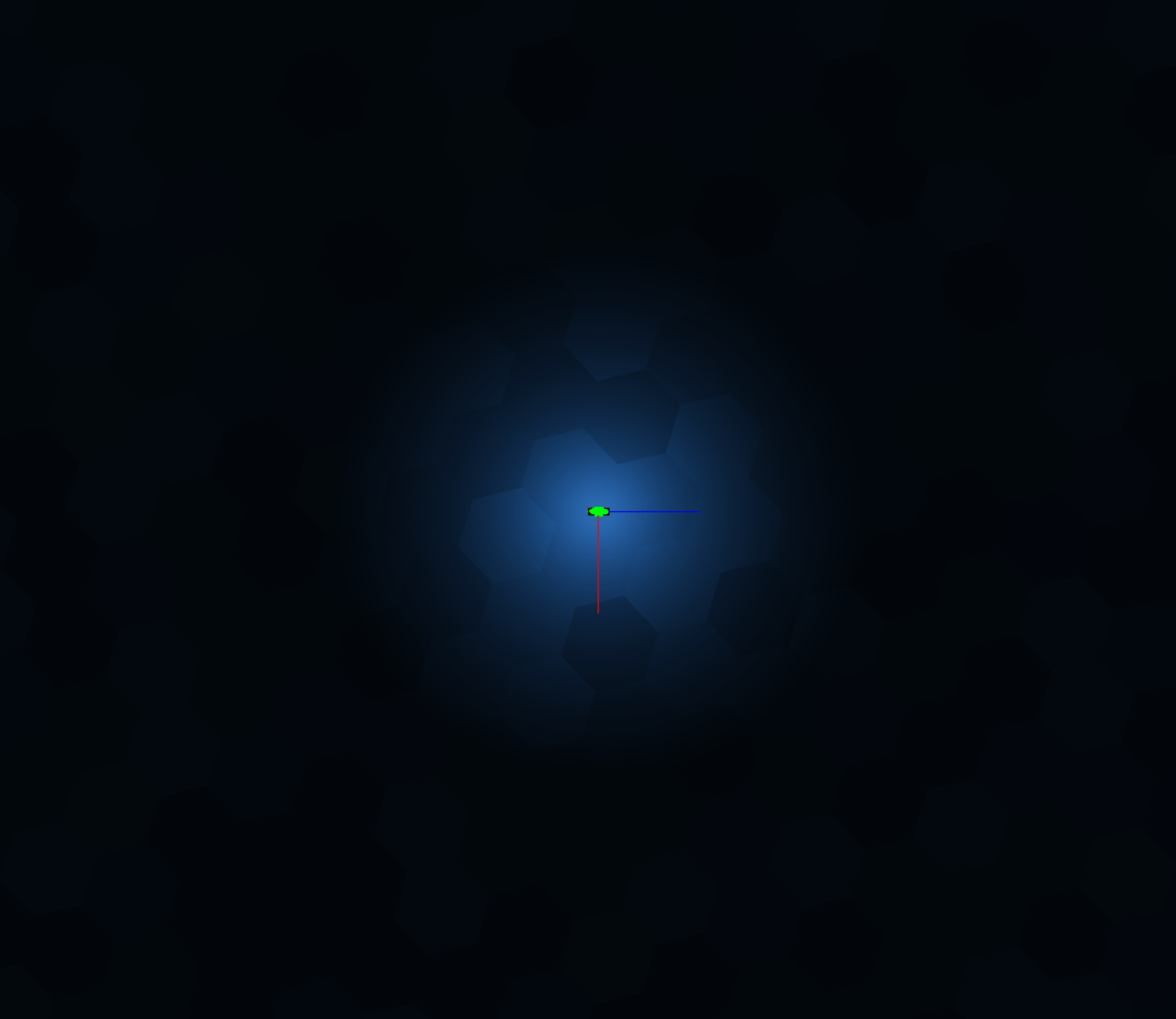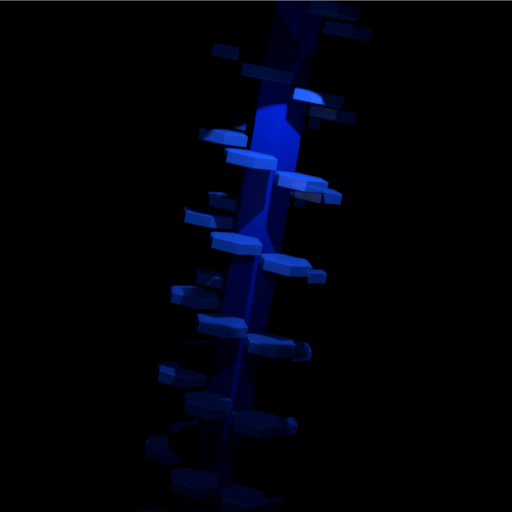
Point lights and constraining the meshes they affect.
Last time I found that directional light shadows need to be limited to affecting certain meshes.
The same applies to point lights, but in this case we also need to limit which meshes the light is drawn on, since point lights have a limited range. Selecting meshes to be affected by point lights is easier, so I’m doing that first.
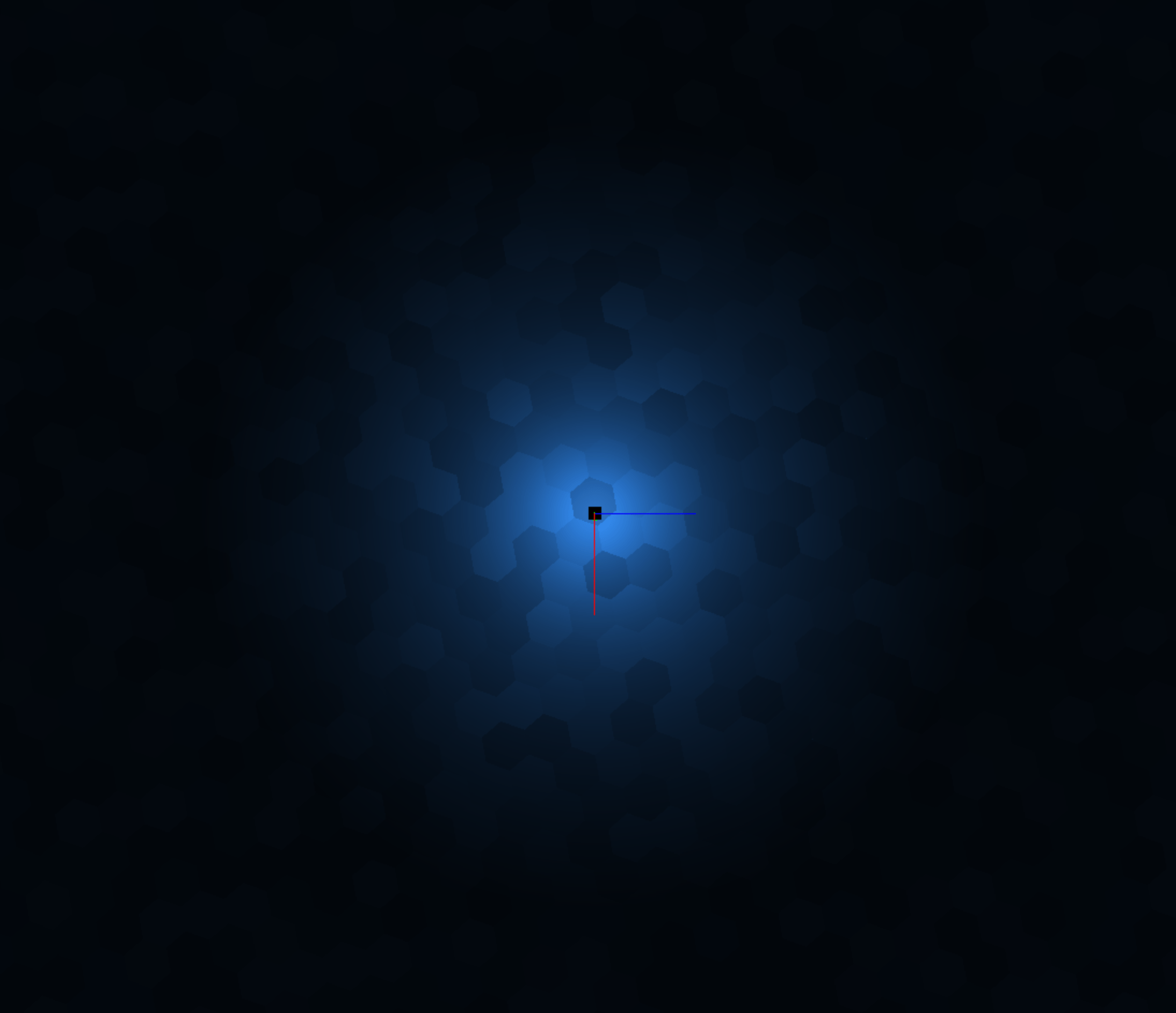
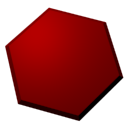
Below, highlighting affected meshes in red, and everything else is black:
Think in terms of pixels on the screen. Every red pixel is one that has to have point light calculations. Every black pixel is one that we have saved from needing this calculation to be done.
So it will be possible to have many point lights in the distance, as they will only affect a very limited screen area.
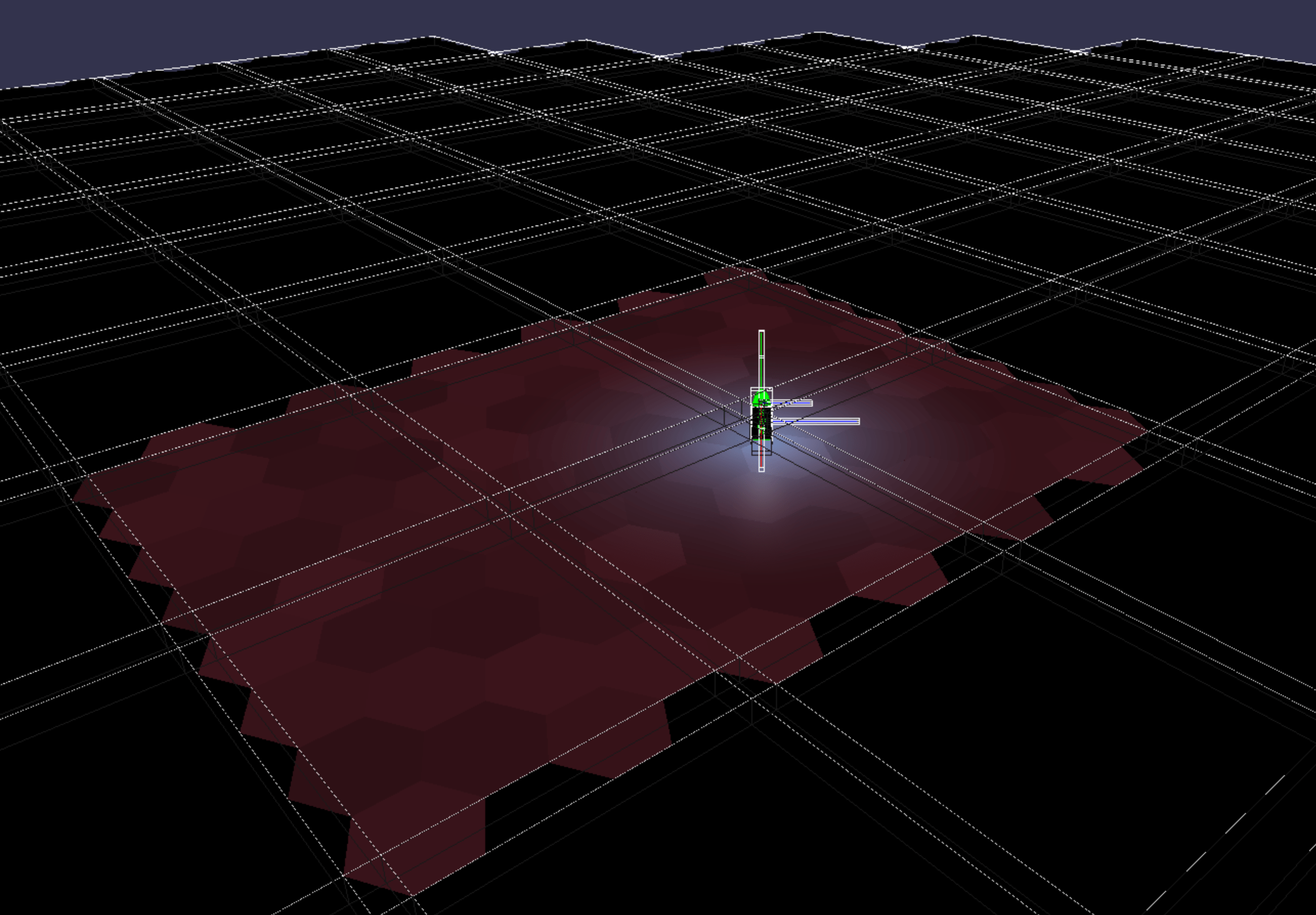
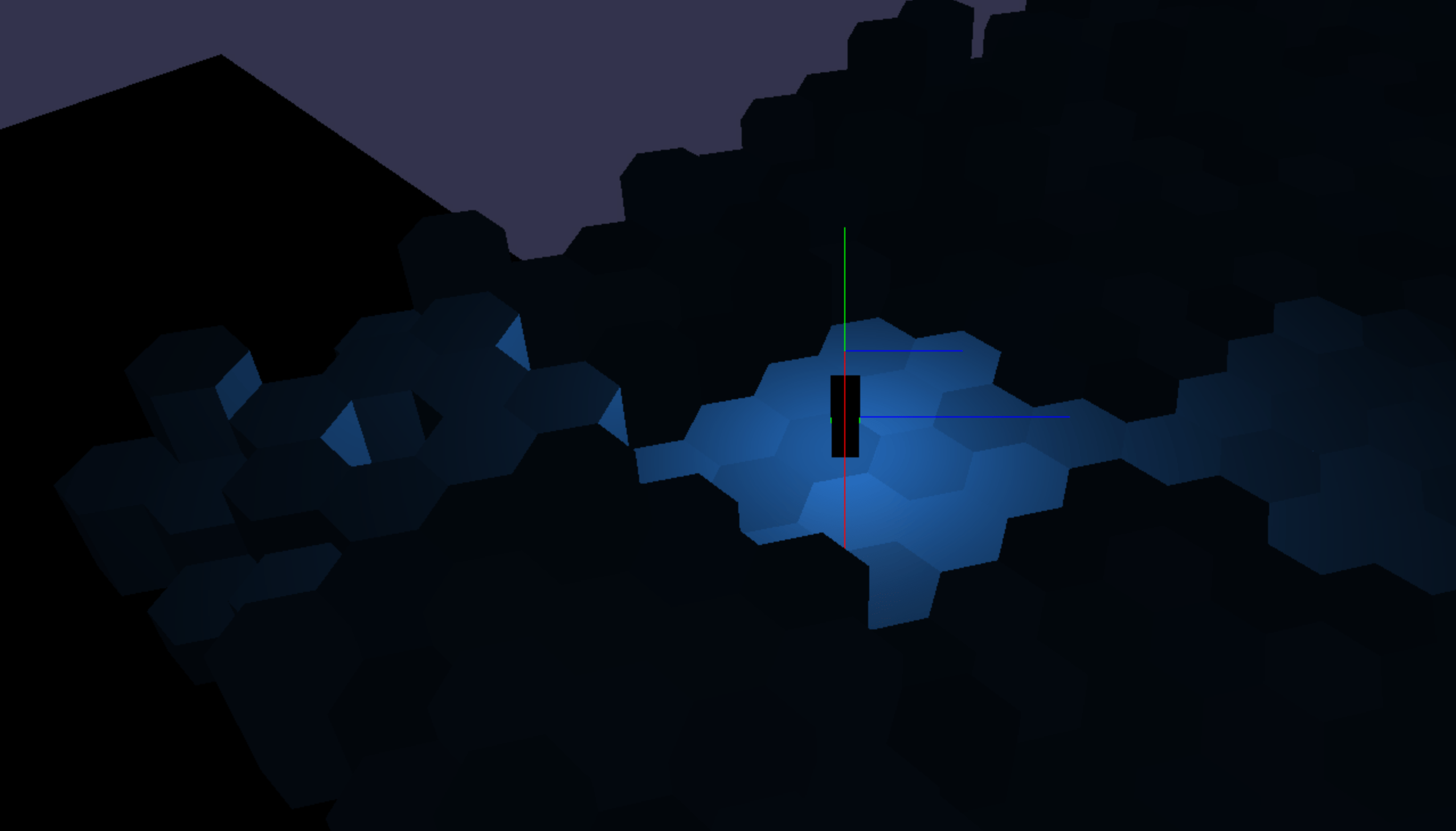
In the image above you can see in the distance (at the horizon) that only meshes within a certain range are visible.
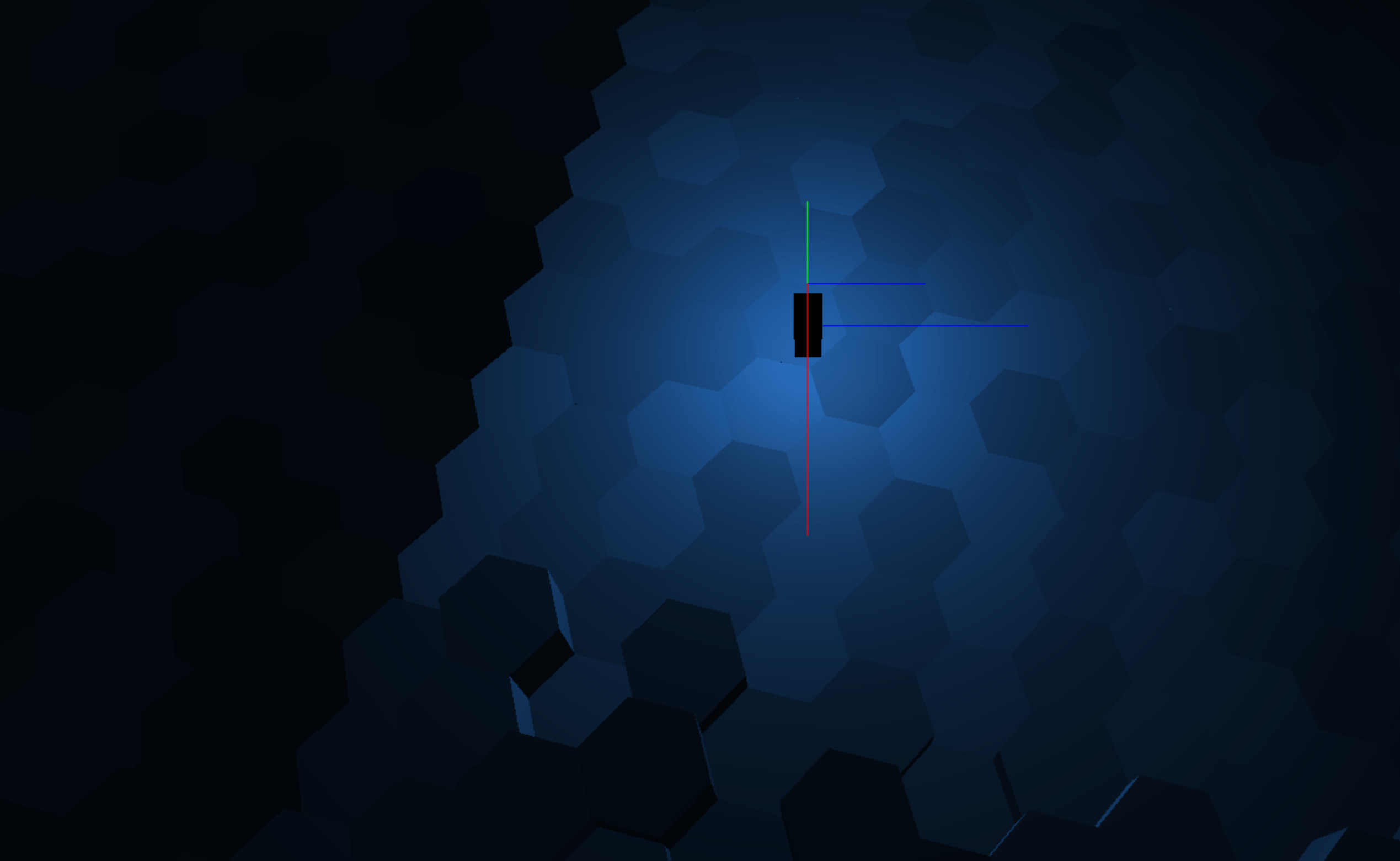
During this process I scaled up the world so that hexagons are twice as big as a few days ago, since I was finding myself in general making too many mesh draw calls. See below.